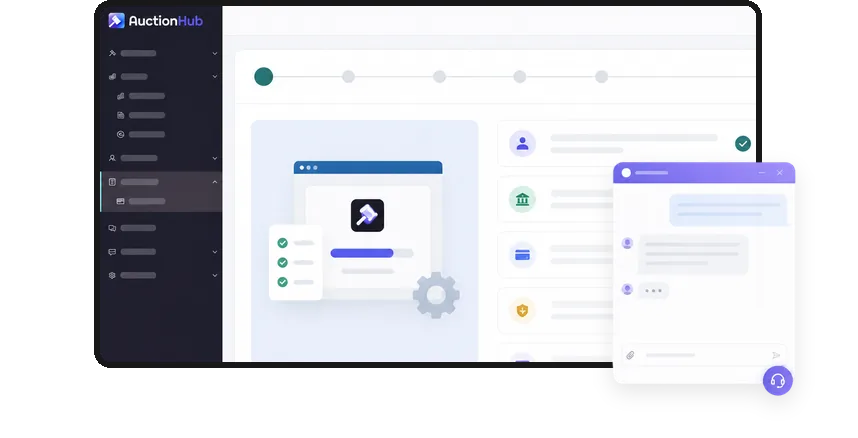
Prepare the catalog, coordinate live sessions and keep buyers, invoices and post-sale follow-up connected. Give your team the tools to manage each stage of the sale.
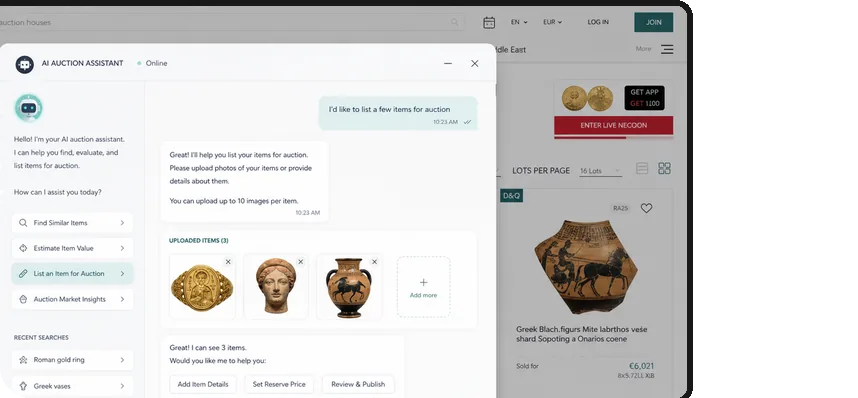
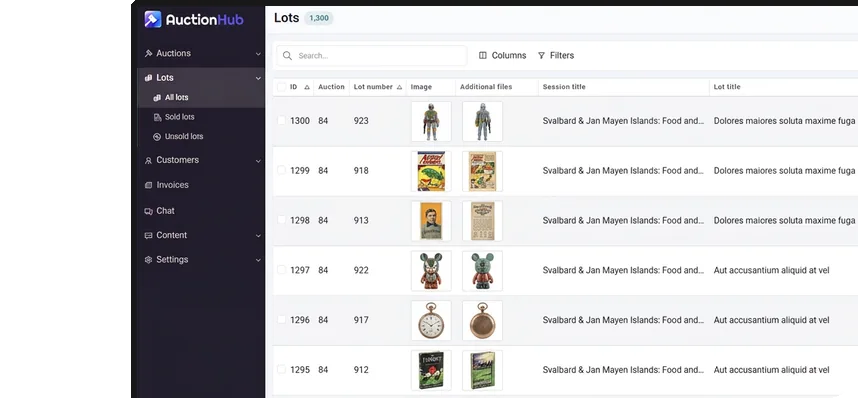
Build a catalog your team can work from. Keep item details, supporting media and internal notes together as you prepare each sale.
Organise lots by auction session, category and consignor
Add condition notes, grades and catalog references
Include images, video and PDF documents in the lot gallery
Keep public tags separate from internal tags and admin notes
Live auctions & pre-bidding
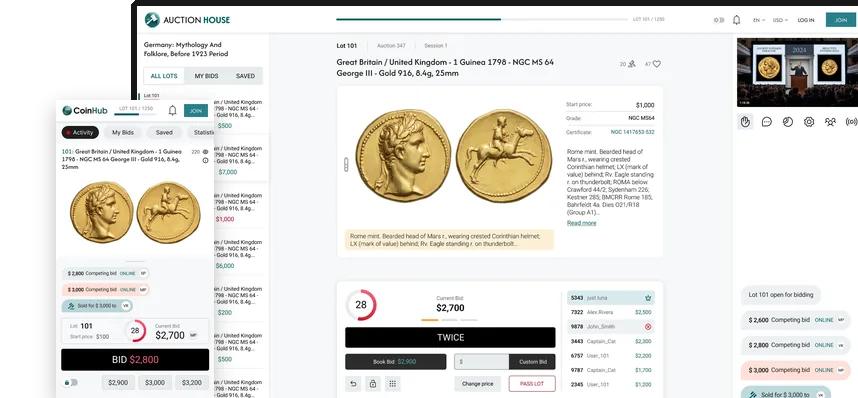
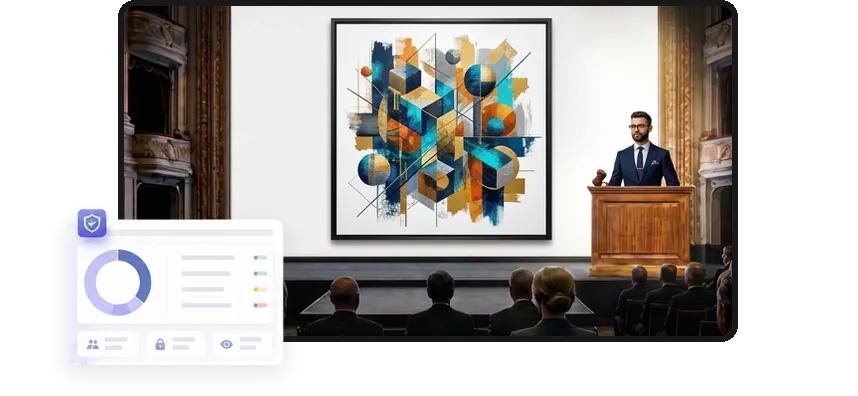
Give bidders a place to browse lots, register and participate on your own website. Support the bidding process before and during a live auction.
Live auctions on your website
Real-time bidding engine and pre-bidding
Lot pages with live updates
Bidder registration and verification
Auction operations & live controls
Set up each sale around your auction workflow. Schedule sessions and configure the controls your auctioneer uses during the sale.
Manage multiple sessions within an auction
Configure automatic lot opening, closing and bidding status changes
Set auctioneer shortcuts for calling, passing lots and book bids
Tailor bidder messages and control the visibility of results
Buyers, invoices & post-sale
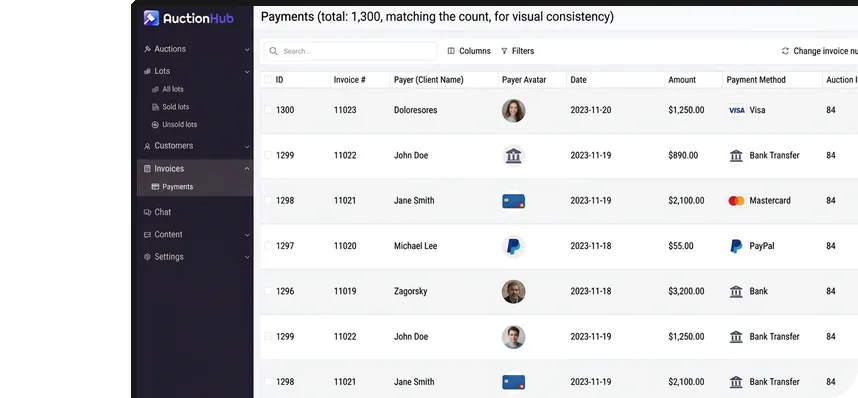
Keep buyer records connected to the sale and its follow-up. Review participation, prepare invoices and track payment and shipping in one place.
Review buyer approval status, bidding activity and purchase history
Keep customer notes and auction and lot references together
Prepare invoice drafts with buyer's premium, shipping and discounts
Track payment and shipping status, tracking numbers and invoice notes
Communication & website content
Keep auction communication consistent. Manage notification templates, customer conversations and public website content from the admin area.
Organise notification templates by language and event
Manage templates for outbid alerts, invoices and payment reminders
Find customer conversations and unread messages in the built-in chat
Maintain website pages, categories, navigation, news and FAQs
Auctioneer AI voice announcements
Auctioneer AI announces auction lots by voice. Discuss your language and announcement requirements during a personalised demo.
AI voice announcements for lots
Review the announcement workflow with our team
Security & data control
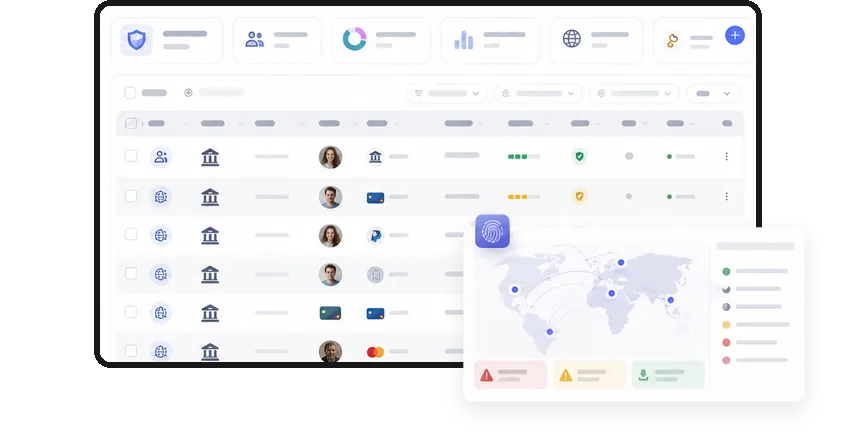
Manage access to the platform and monitor bidding activity. Your auction house retains ownership of its data.
Anti-fraud protection and bid monitoring
User roles and permissions
Full data ownership
API & integrations
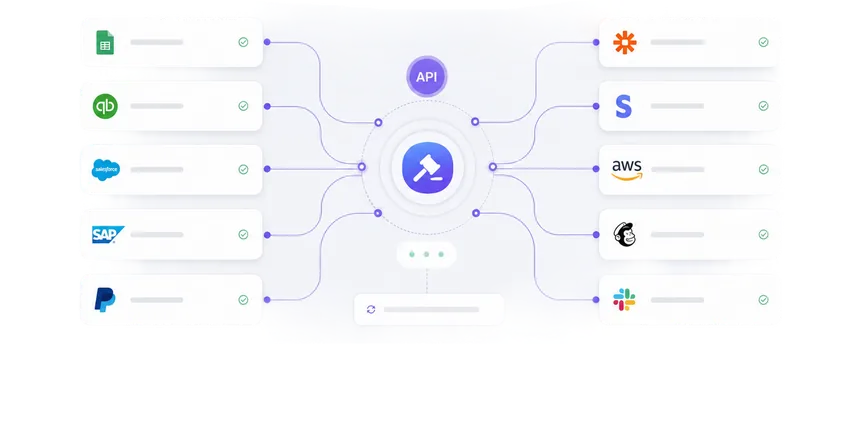
Connect the platform with your website and discuss the tools your team needs to use. Review specific integration requirements with us before choosing a plan.
API access
Website and CMS integration
Custom integrations scoped through Auction Custom
Setup and scope
Start with the platform. Plan around your requirements.
Onboarding & support
Get onboarding and setup assistance, plus technical support. Bring your auction workflow to a demo so we can show the relevant tools and discuss the setup.
For custom features, workflows, integrations or dedicated infrastructure, we agree on the scope through Auction Custom. Priority support and SLA requirements are defined in your quote.
Yes. Both plans include the core workflow: live auctions, pre-bidding, catalog management, Auctioneer AI voice announcements, CRM, invoices and payment tracking. Flex is billed per auction; Basic is billed monthly. Compare the plans and hosting fees.
Can we connect an existing tool?
API access and website integration are part of the platform. Tell us which tools you use so we can confirm compatibility and implementation scope. Custom integrations are discussed through Auction Custom.
Does payment tracking mean Auction OS processes payments?
The features described here include invoice generation and payment tracking. Discuss your payment-provider setup during the demo; any provider charges are separate from Auction OS fees.